
Wabasha County VINE Participation
Wabasha County points visitors to the statewide service itself. The county jail page sends users straight to Minnesota VINE. It notes that victims may register at any time for custody changes and criminal-case information. That local endorsement is the strongest evidence for trusting the system. The sheriff's office offers no separate booking app. Its inmate roster is a point-in-time PDF. VINE works as the notification layer tied to county jail data.
The split matters in practice. The roster shows who was in Wabasha County Jail custody when the report was generated. VINE, by contrast, matches a custody record and takes registrations for later changes. The official Wabasha County Jail page displays the county roster and its VINELink routes.
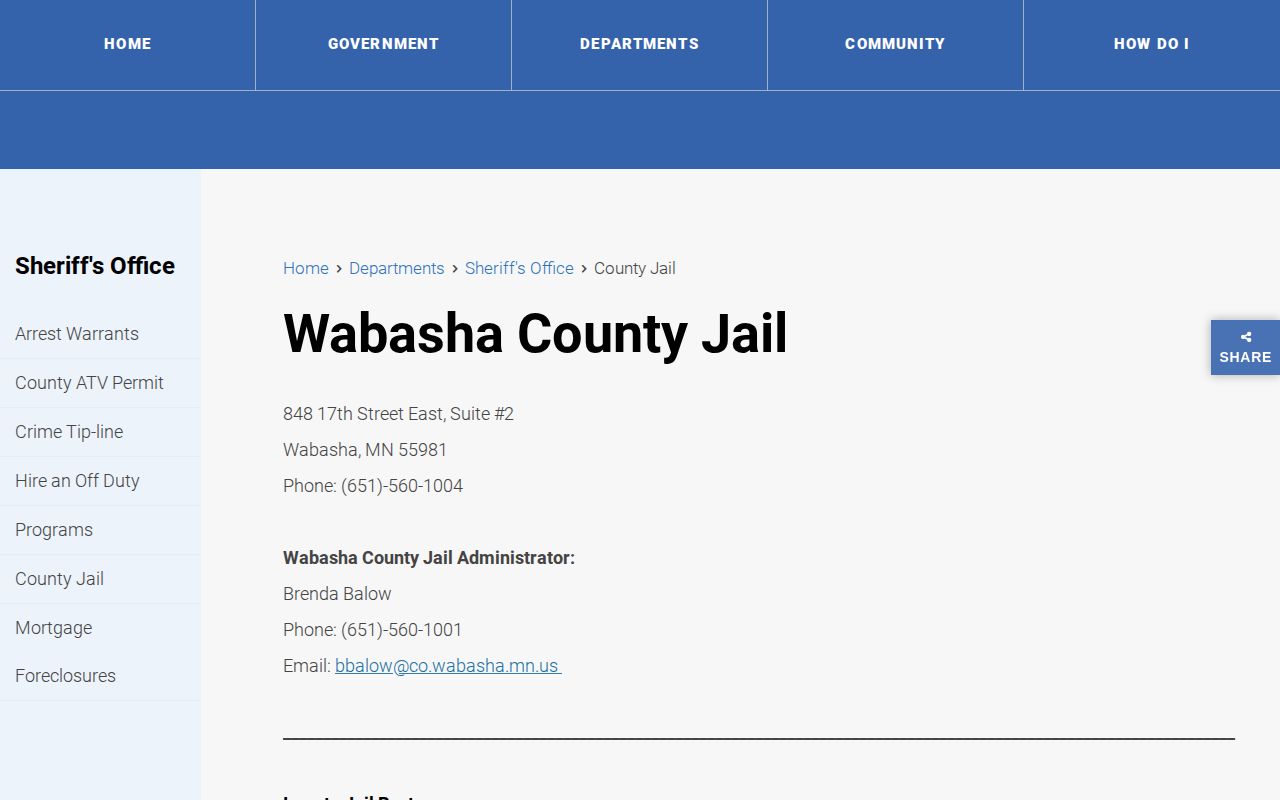
The image shows the county jail page and the VINELink links it publishes.
Check Wabasha County Custody
Begin at VINELink. Pick Minnesota, then open the county-jail person search. When the county list appears, select Wabasha County. Enter the person's name, or an offender or booking identifier if the system offers one. An identifier is the safer route, since common names and spelling variations can return several people at once.
- Open the official VINELink home screen and select Minnesota.
- Choose the person or offender search for county jail custody.
- Select Wabasha County and enter the available name or identifier.
- Compare complete name, facility, custody status, and identifier across possible matches.
- Open only the record that matches the known custody facts, then confirm urgent details with the jail.
A matching name alone proves little. Compare the VINE result against the Wabasha County roster's booking date and arresting-agency field. Do this whenever those details are known. City police, the sheriff, and outside agencies all book people into the county jail. So the arresting agency may not match the facility holding the person. The VINELink home screen is the official place to select Minnesota.
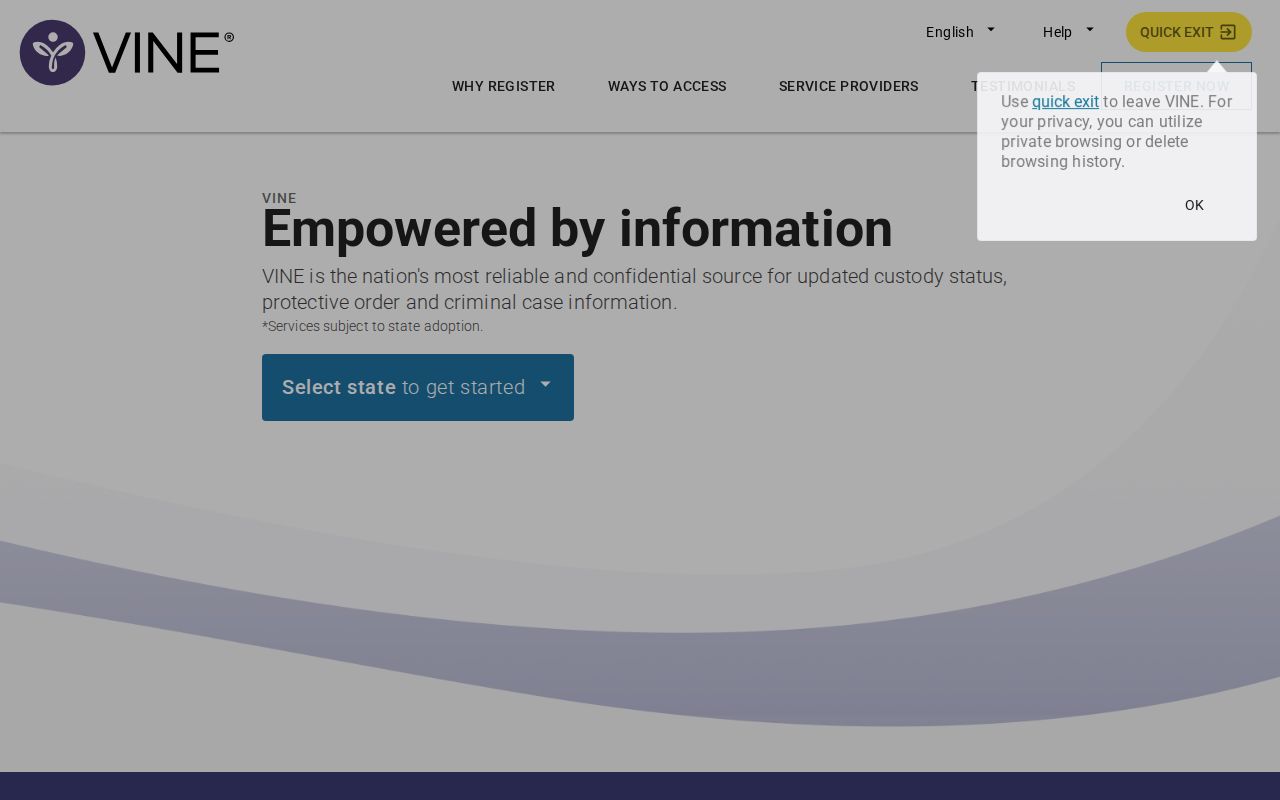
This is where a Wabasha County custody check begins. The screen waits for a name, an ID number, or some other detail that identifies the person you want to look up.
Note: Treat any match as a lead only, and confirm the record with the office that holds it.
Wabasha County VINELink Results
A VINELink result is narrower than a full booking file. Expect a custody status, the facility, an offender or booking identifier, and possibly a later release or transfer event. Labels shift as data flows in, because VINELink is a live application. Read it for custody only. It is not a full account of charges, evidence, or hearings.
| VINELink field | How to read it |
|---|---|
| Custody status | The status currently supplied to VINE, subject to reporting lag. |
| Facility | The jail or participating location tied to the record. |
| Person identifier | A booking or offender value that helps separate similar names. |
| Release change | A reported departure from custody, not a court finding. |
| Transfer change | A reported move that may require a search in another system. |
The county roster carries more booking detail than VINE. It lists roster number, booking date, hold reason, bail amount, charge description, arresting agency, status, projected release date, and some hold-agency information. The roster format shows no booking photographs. So VINE is not a mugshot search, nor a stand-in for the sheriff's own record.
Register Wabasha County VINE Alerts
Once the right record appears, registration takes just a few steps. The Minnesota VINE fact sheet lists phone, email, text, and in-app alert options. Registration is free and anonymous. You provide a contact method and create a personal identification number, or PIN. The PIN manages or cancels the alerts later.
- Select the notification or registration option from the matched custody record.
- Choose an available phone, text, email, or application method.
- Enter the requested contact details and review them for errors.
- Create a PIN and store it somewhere private and reliable.
- Complete confirmation steps and keep the registration information for later changes.
Alerts cover release, transfer, or other reported custody changes. But an alert should never be the whole safety plan. Numbers get mistyped, phones go dead, and an agency's update can trail the actual event. Minnesota runs a customer center for lost PINs. The statewide phone line answers at 877-664-8463. The VINELink registration screen shows the live enrollment flow.

The screen shows where a notification method is selected and confirmed, without exposing anyone's custody record.
VINE Alerts, Not Mugshots
Wabasha County's VINE use is distinctive. It adds a status-alert layer without turning custody data into a photo display. The jail page links the service for updates. The Minnesota VINE program separates county-jail VINE from Minnesota Haven. Haven covers people under Department of Corrections jurisdiction. Anyone can search or register without a booking photograph being published here.
Minnesota law can make an arrest-identification photograph public in many cases. A temporary active-investigation exception applies. That still does not put the image inside VINELink. Photo requests belong with the sheriff or the originating police agency. The Wabasha roster shows no photos either. Custody status, booking documentation, photographs, and court outcomes are four different record types.
Fresh Wabasha County Bookings
Wabasha County arrests reach VINE and the local roster on separate tracks. Minnesota sends county jail records to a central service on a set cycle. No published schedule pins down Wabasha County's exact refresh moment. So a blank search right after an arrest means little. The spelling could be off. Processing may still be underway. The booking may not have reached VINE yet. A second look later in the day often pays off.
Need a firm answer fast? Check the roster's timestamp, then call Wabasha County Jail Master Control at 651-560-1004. A delayed alert alone should never settle the question.
The county's Daily Arrest Report walks through the fresh-booking fallback step by step. Start with the official roster. If the status is urgent, the jail phone is the faster route. When an online row never appears, a focused records request can chase down the booking sheet or release details instead.
Custody Systems Beyond Wabasha
VINE is not a universal Minnesota locator. It covers county jails only. A person moved into Minnesota Department of Corrections custody belongs in Minnesota Haven or the DOC PublicViewer process instead. Federal prison inmates sit in the Federal Bureau of Prisons locator. Immigration custody has its own ICE tool. So a missing Wabasha County VINE result may simply mean the person is held elsewhere.
| Custody stage | Appropriate source |
|---|---|
| Wabasha County jail | County roster, Minnesota VINE, and jail Master Control |
| Minnesota DOC custody | Minnesota Haven or DOC PublicViewer |
| Federal prison custody | Federal Bureau of Prisons Inmate Locator |
| ICE custody | ICE Online Detainee Locator |
| Case outcome | Minnesota Court Records Online or Wabasha District Court |
Every one of these sources has limits. DOC records are not fresh county bookings. BOP offers no Wabasha arrest feed. ICE demands exact identity details and covers only qualifying custody. Court records track proceedings, though a defendant-name search can still miss a pending case, so the responsible agency stays the best place to verify any record.
Read Custody Terms Carefully
Custody labels invite overreading. A transfer only means the reported holding location changed. Release tells you the system logged a departure event, not that the case itself ended. A hold can tie back to another agency, and projected release dates shift without warning.
- Booking
- The jail intake process after an arrest.
- Custody status
- The system's current description of whether and where a person is held.
- Transfer
- A move from one holding authority or facility to another.
- Disposition
- The court's recorded outcome in a criminal case.
- PIN
- A private code used to manage a VINE alert registration.
For the wider arrest record, the Wabasha County recent arrests hub pulls the picture together. The court remains the place to confirm how a case finally resolved. A roster line or a VINE alert speaks only to custody. That line matters. It protects both the reader and the person named in the record. Note: VINE supplies status information only. The jail, the originating agency, and the court remain the sources for the underlying record and final outcome.
Public Record Search
Sponsored Results